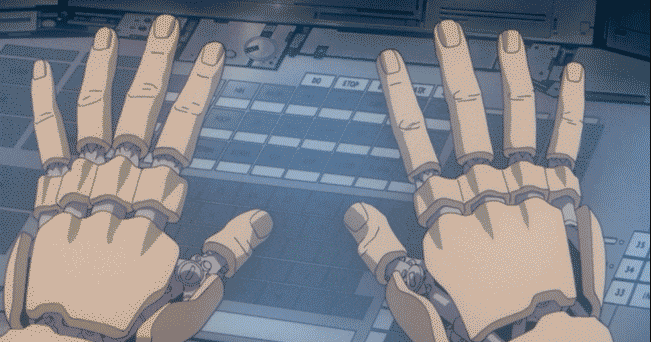
Ghost in the Shell (1995)

There is this strange affectation that comes with using tiling window managers: EVERYTHING has to be a hotkey. If you don’t wield a gazillion keybinds you are failing in the Way of The Tile. Don’t want to memorize five-finger chord contortions just to launch your music player? “Skill issue. Git gud.”
I think that’s a load of bollocks.
Tiling window managers are great. Nothing beats this workflow when you’re in the zone, stacking terminals, flying through workspaces, no need to ever take your hands off the keyboard. Your MOD/Super key is your clutch and opening and closing your tools feels almost telepathic.
But here’s the thing that no one seems to want to admit: you’re not always in the zone. Sorry to burst your bubble. Doesn’t matter how many “grindset-maxxing” podcasts you listen to. Sometimes the biomass just doesn’t want to play ball. And that’s totally fine.
When I crack open my eyelids in the morning and pour espresso down the hatch, I am not a productivity-optimized keyboard ninja. I am a monkey. I want the shiny icon. I will click the shiny icon. I just need to check my friggin’ email and see what fresh new support tickets or dependabot alerts await my sleep-addled brain.
Same in the evening. After a long day of clobbering together drafts and documentations, tweaking and shipping builds, I just want to lean back and watch a movie without too much effort. And you know what’s perfect for that half-dead state of mind? Yup. Mouse or touchpad.
Too many people treat this mouse vs keyboard thing as a dichotomy. But it’s a false one. And a lazy one at that.
Aside from mapping various buttons on my mouse to resizing, moving and closing windows on Hyprland, I’ve recently been chasing another one of these “normie desktop” creature comforts: the dock.
And yes, I can hear the peanut gallery groan already. A dock? That gaudy Fisher-Price-level affordance? “We’ve transcended your puny need for icons, peasant. Live by the tile, die by the tile.”
But hear me out.
Not only is a dock great for lazily launching your pinned apps when you’re too tired to reach for the keyboard. It also–as the Big Lebowski aptly stated–“really ties the room together.”
There’s a visual hierarchy to most desktops, whether on MacOS, Windows, Gnome or KDE. The dock or taskbar or whatever you want to call it, provides not just a place for your “pinned” stuff, but it also acts as a “shelf” to rest your eyes. It’s all about visual hierarchy.
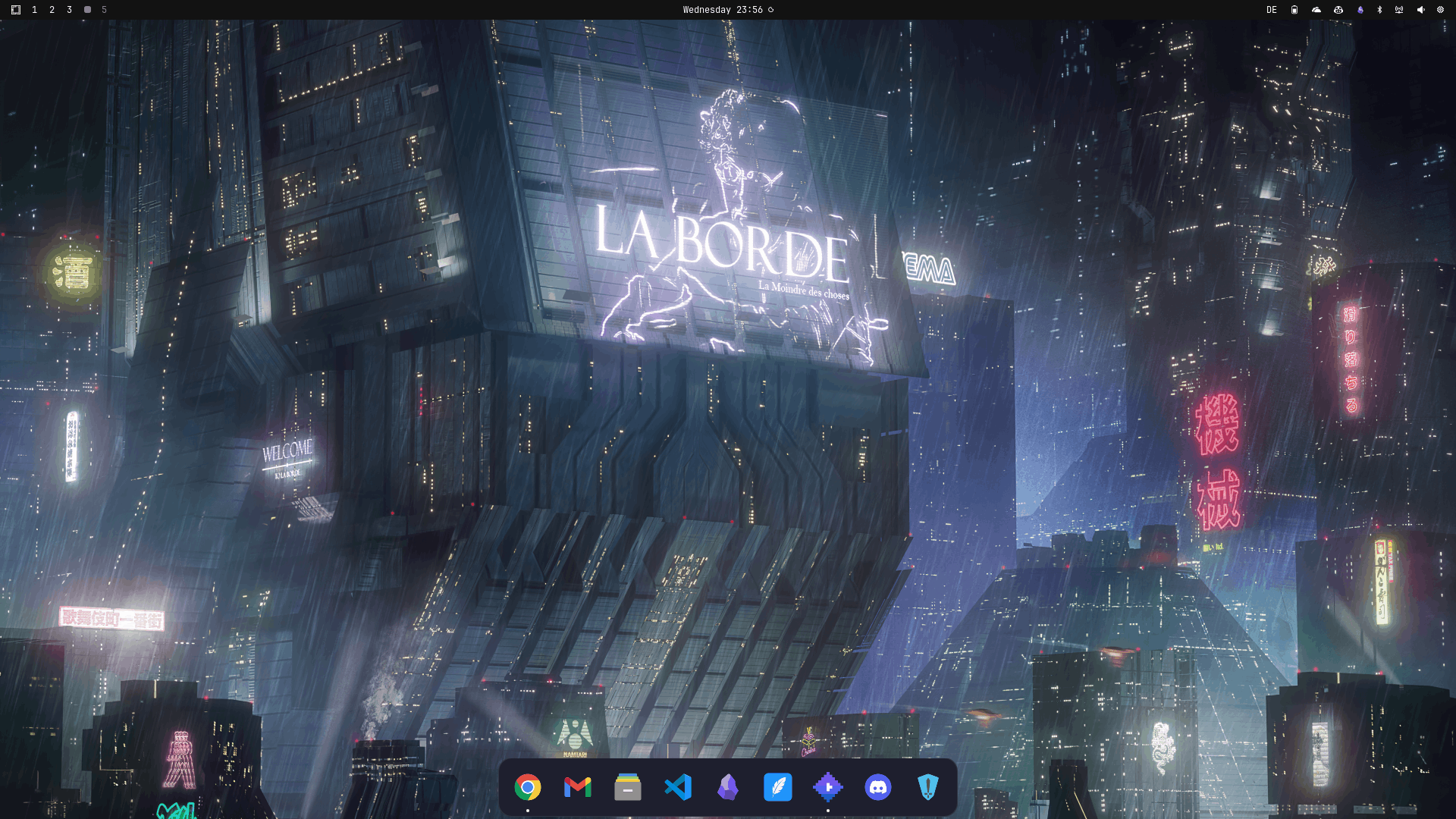
wallpaper: La Borde 2049, Marcel Deneuve
And sure, many docks for Hyprland exist. I tried a bunch of them. And while they are very feature-complete in terms of what they can do, I didn’t like how they felt. IMHO, a dock has only one job: show icons for stuff when you need them “ready at hand”, and get the hell out of your way when you don’t need them. No need to keep staring at this stuff and take up valuable real-estate at all times.
So I started building my own minimalist dock for Hyprland, with Quickshell, intentionally scoped extremely narrow, to first and foremost get the flow of hide/show nailed down.
A dock shouldn’t elbow itself into your panels and resize them willy-nilly. It should be more like a wizard: never show or hide itself too early or too late, but just be there, precisely when you need it.
For starters, I set it up with a very basic ruleset:
- if a workspace is empty, show the dock
- if a workspace has regular tiles, hide it
- Additional option (toggleable): keep dock visible when all tiles are floating
The hide/show logic uses a two-tier approach: Hyprland.toplevels via rawEvent for the common cases, falling back to hyprctl clients -j to detect floating-only workspaces. The pure way would be rawEvent all the way down, but the Quickshell API doesn’t expose a floating flag on toplevels, so hyprctl it is for now. Still fully event-driven. No timers, no polling loops.
I’ve been using it a few days now and am pretty happy with how it works. Provides a shelf for the eyes on empty workspaces, allows for lazy launches of certain apps, and generally doesn’t make a nuisance of itself.
Playing around with this, I noticed a pattern: if you launch an app and the first thing you do is type (text editors, terminals, code editors) a keybind is the natural choice. But if the first thing you do is reach for the mouse (social media, YouTube) launching from a dock feels right.
The browser sits somewhere in between, depending on what you’re doing in it.
Anyway, here’s the sauce. It’s intentionally minimal. Fork it, break it, make it yours.
UPDATE: I’ve pivoted to continue development of this as an Omarchy Plugin. Easy install with:
omarchy plugin add https://github.com/burninc0de/burninc0de.dock.git --enable