
[drop_cap]W[/drop_cap]orking on non-US keyboards can be challenging when common tools and specs expects standard layouts.
For example, I use a German keyboard which has a bunch of “fun” quirks:
- Y and Z are swapped
- @ is typed with AltGr (right Alt) + Q
- double quotes (") are on Shift + 2
- forward slash (/) on Shift + 7
- dedicated keys for ö, ä, ü, and ß
- asterisk on Shift + plus
- tilde (~) on AltGr + plus
- backslash (\) on AltGr + ß
- the list goes on …
Confusing? For those of us who daily-drive this layout, it’s all muscle memory. Granted, we often dual-drive international and de, because sometimes it’s easier to just switch to en/us layout for certain tasks.
It’s mostly fine.
But here’s one thing that has annoyed me for years. The backtick (`) or accent key. Fun fact for the uninitiated: a “backtick” isn’t anything special, it’s just a regular old accent grave as in “Oh là là”.
On en/us layouts, that’s a dedicated key. You press it once and it prints. Not much to it.
On German and other Euro layouts, however, it’s a dead key, meaning if you press it once, nothing happens. It expects a second key, so that you can actually type things like é or à. Press the accent key first: shift picks acute (´) or grave (`) and then the letter you want to put it on. Hit it twice to get just the backtick itself. Fair enough.
I find myself in the very peculiar position where I need this key to be both non-dead (for typing quick backticks in markdown docs) and dead, because I need to type accents all the time, not because I’m writing the next Great French novel, but simply because my first name contains an accent aigu and I need it every time I sign off on an email or document.
For many years I just lived with the fact that I had to hit that key twice to get one standalone backtick. It’s slightly annoying but better than permanently squashing it into a non-deadkey and creating alternate compose chords to do the accents which just feels wrong after decades of muscle memory.
I’m aware this is a very niche and extremely particular kind of annoyance, but I just wanted to document here how I was able to finally fix this. Perhaps it’ll help someone, since this is an issue for other non-US layouts as well:
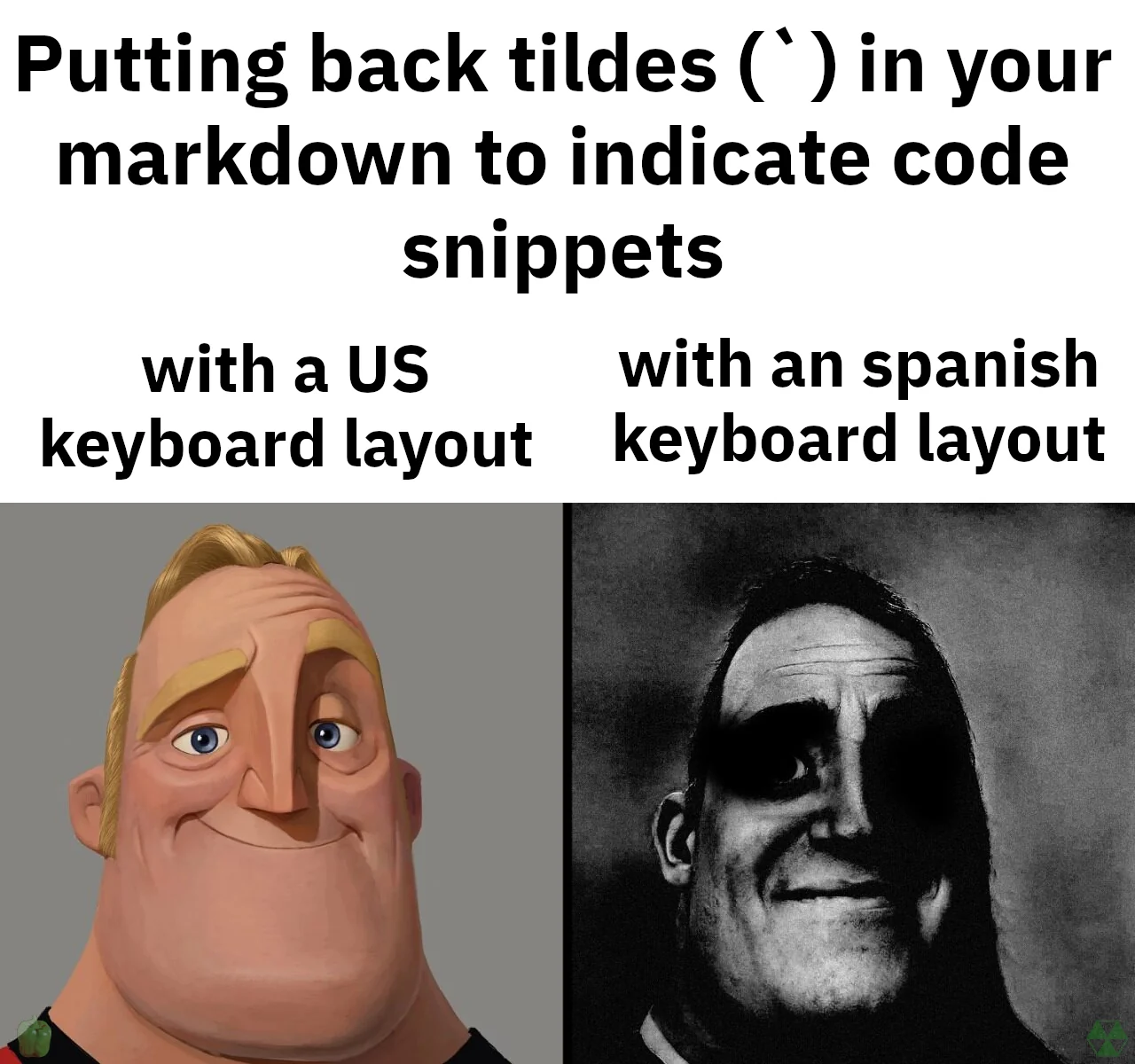
source: r/ProgrammerHumor
On Windows I never even bothered to tackle this issue, but on Linux, turns out this is pretty easy:
First, I created a new XKB symbol under ~/.config/xkb/symbols/de with these settings:
xkb_symbols "gravebase" {
    include "de(basic)"
    name[Group1] = "German (gravebase)";
    key <AE12> { [ grave, acute, dead_cedilla, dead_ogonek ] };
};
This new layout is based on the basic German one, but flips the backtick key from dead to live — grave and acute now print immediately instead of waiting for a second keystroke. And since it’s a unique layout, I can now easily swap between this and my regular German one.
To make it actually selectable, add it as a variant in your layout config, e.g. setxkbmap de gravebase, or if you’re on a Wayland compositor like Hyprland, add it to your input block as an extra layout/variant and bind a key to switchxkblayout to toggle between them.
So my Hyperland input.lua has:
hl.config({

input = {

#kb_layout = "de,de(gravebase),us,il",

},

})
In order of appearance: regular German layout, the custom “gravebase” German, the English and Hebrew.
Note: In Hyprland you also have to add the extra path as an env like this so the custom symbol can be correctly imported:
hl.env("XKB_CONFIG_EXTRA_PATH", os.getenv("HOME") .. "/.config/xkb")
Why the extra hoops? XKB itself is still very much an X11-era system. Wayland compositors like Hyprland just wrap it, they didn’t reinvent it. So even in a pure Wayland setup, you’re still configuring config paths and layout indices the X11 way. That’s also why my toggle script has to shell out to hyprctl and parse JSON instead of just flipping a switch. There’s no native “give me the current layout” primitive as far as I know (correct me if I’m wrong) so you query the compositor and reason about layout indices yourself.
So my toggle script looks like this:
#!/bin/bash
IDX=$(hyprctl devices -j 2>/dev/null | python3 -c "
import json, sys
data = json.load(sys.stdin)
for kb in data.get('keyboards', []):
    if kb.get('name') == 'solaar-keyboard':
        print(kb.get('active_layout_index', 0))
        break
")
if [ "$IDX" = "0" ]; then
    hyprctl switchxkblayout all 1
else
    hyprctl switchxkblayout all 0
fi
Change solaar-keyboard for whatever hyprctl devices -j reports in your use case.
So now, when I am in code documentation mode, I use the gravebase layout and when I go back to answering emails I switch back to the regular de layout with a custom keybind.
It’s always mind-boggling to me: the granular control you can achieve over your hardware with Linux. On Windows or Mac you either run into OS limits or need (proprietary) 3rd party tools for a lot of these customization.
On Linux, everything’s a file. Just edit it until your machine behaves exactly as you need it. Fittingly, I wrote this entire post in gravebase mode (for all the code markup) — swapping to regular de only to close it out with an é.
And sure, maybe one tiny annoyance like this doesn’t make a huge difference for daily work, but they quickly stack up. And being able to eradicate these micro-stops cumulatively does a lot for frictionless workflows.
Santé!
P.S. “Gravebase.” Dead keys brought back to life. Satisfyingly metal.