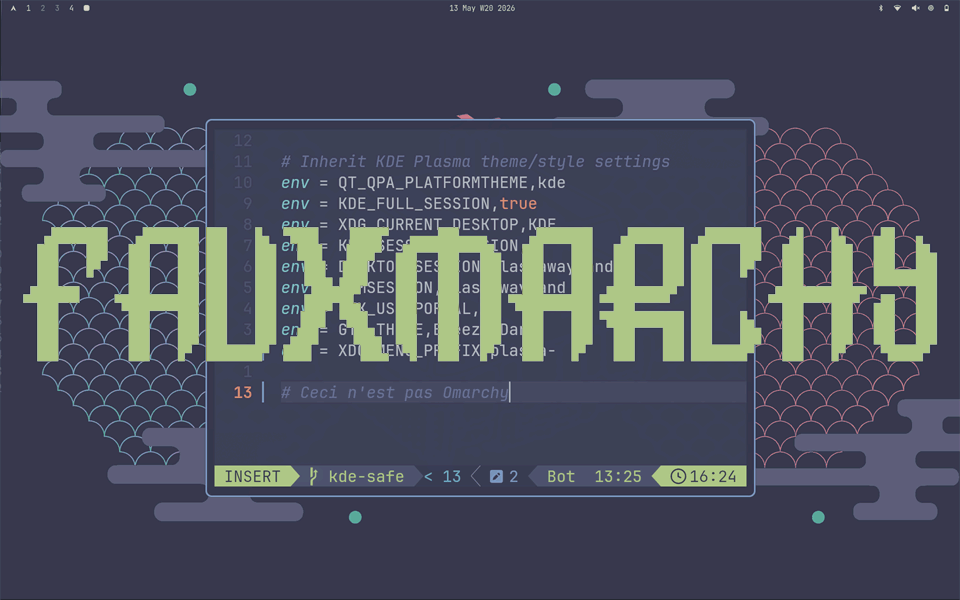
font: Delta Corps Priest 1
It’s no secret that minimalist tiling window managers and “full-fat” desktop environments are deeply at odds with each other, both in form and function.
That’s why usually when someone wants to get started with Hyprland the recommendation from the Council of Greybeards is: start from scratch (set up a new machine), or at least use a different user so your Hyprland and KDE or Gnome don’t end up in a turf-war over .config files, GTK/QT theming and whatnot.
And they are right. And so an ironclad decree was forged in the hearts of minds of the unixpr0n community: “Ye who want to taste the Rice must abstain from the ways of the regular desktop.”
And I get it, if you spent too many hours jerry-rigging the perfect waybar setup (been there, done that) and have the borders and animation of your rofi or walker dialed in juuust right, you’re in for the long haul.
But what if you want to have your cake and eat it too?
Tiling Fatigue
What if sometimes you just want to lazily go about your business with a trackpad without holding down SUPER like a clutch (the audacity … I know), yet at other times, when inspiration strikes, you are pining for the neon-drenched void of the Hyprland for dev work or bashing out prose in a brutalist terminal?
“Well,” they say. “You can’t do that! You either learn how to do everything in a tiling window manager or you simply are not worthy.”
So you ignore them. You set up a new user for Hyprland, but then find yourself “locked out” from your own files, configs, wallet (passwords) and whatnot. And maintaining a whole second account with second configs and everything just for switching your desktop workflow?
That’s no fun.
So for my latest experiment I wired up an ungodly alliance between my KDE Plasma desktop and Hyprland. No different user switching, no endless GTK/QT theming conflicts. Just switch the session whenever you feel like it.
I stole the basic look & feel from “Omarchy”, but since this is neither real “Omarchy” nor even Hyprland in a classical sense (see below), I dub it: “Fauxmarchy”.
The Masquerade
To achieve this seamless switch between KDE and Hyprland we are essentially “tricking” Hyprland into thinking it’s KDE with this sacrilegious array of environment variables:
env = QT_QPA_PLATFORMTHEME,kde
env = KDE_FULL_SESSION,true
env = XDG_CURRENT_DESKTOP,KDE
env = KDE_SESSION_VERSION,6
env = DESKTOP_SESSION,plasmawayland
env = GDMSESSION,plasmawayland
env = GTK_USE_PORTAL,1
env = GTK_THEME,Breeze-Dark
env = XDG_MENU_PREFIX,plasma-
I know. It’s ugly, it’s blasphemous. It goes against the grain of everything the Greybeards have taught us. But it’s brutally effective for a number of reasons.
No More Theming Bullshit
KDE Plasma has a nice and convenient way of globally styling all GUIs (whether QT or GTK) via their Application Style menu.
To achieve the same in Hyprland you have to fiddle endlessly with nwg-look, qt5ct and qt6ct just so native Linux GUIs don’t look like an ugly stepchild from the Windows era.
But with our unholy environment variables we are basically letting Hyprland inherit the KDE space, no questions asked.
So you could do all your “app styling” in KDE, plop over to a Hyprland session and have it all be registered. No more worries that Hyprland’s meticulously curated QT/GTK themes will mess up your KDE Plasma look & feel, or vice versa.
Plasma sets the tone, Hyprland follows. Zero conflict. For good measure also wipe all fake envs on exit from Hyprland:
bind = CTRL ALT, Q, exec,

QT_QPA_PLATFORMTHEME= KDE_FULL_SESSION= XDG_CURRENT_DESKTOP= KDE_SESSION_VERSION= DESKTOP_SESSION= GDMSESSION= GTK_USE_PORTAL= XDG_MENU_PREFIX=

&& hyprctl dispatch exit
Wallet Woes
Another annoying issue with switching in between Hyprland and KDE is the “secure storage” issue. You don’t want to constantly re-authenticate everything, just because you switched your session and have Hyprland scream: “new phone who dis?”
By masquerading our Hyprland session as KDE we can bypass all of that. All apps and services can continue using the same wallet, without triggering false-positive “breaches” and forcing re-auth. Because for all intents and purposes we are running a KDE session.
To get the party started without any “unlock your wallet” prompts in either KDE or Hyprland, get the kwallet-pam package and then we can directly hook into the wallet as soon as SDDM hands off to our Hyprland Fauxmarchy session. Note: user pw and wallet pw need to be identical for this to work.
In hypr autostart.conf :
# 1. Export the core Wayland context to the systemd user session

exec-once = dbus-update-activation-environment --systemd WAYLAND_DISPLAY

exec-once = systemctl --user import-environment WAYLAND_DISPLAY

# 2. Force the PAM handshake to claim the decrypted wallet keys left by SDDM

exec-once = /usr/lib/pam_kwallet_init

# 3. Tell the systemd/D-Bus environment that a KDE-compatible desktop is handling secrets

exec-once = dbus-update-activation-environment --systemd DISPLAY XDG_CURRENT_DESKTOP=KDE
And there you have it. One wallet to rule them all.
KRunner
Yet another cool thing about this setup is this: no more need for cobbled together app launchers. You can just use KRunner.
I know, right? Is this allowed? Well, usually it won’t work if your XDG_CURRENT_DESKTOP is set to Hyprland. But since we are basically lying to the desktop portal at this point, KRunner works just fine.
It’s extremely fast and more flexible than any other Hyprland launcher I have ever used (search for files, bookmarks, do calculations, whatever) and best of all: no need to install and babysit yet another package.
But, the bloat!
So what’s the cost of running a system like this? Because, yes, the xdg-desktop-portal-de sits in RAM now, but at least it uses 0 CPU until called upon.
There’s a long-running obsession in this community where people scoff at an Electron app using 150MB–a rounding error on any modern system–while cheerfully running ten dockerized Alpine containers without a second thought.
Meanwhile the KDE portal service sits at a respectable ~354MB. Not nothing, but not a dent in real-world usage either. And look what it buys you: full KRunner integration, consistent styling across sessions, zero-effort wallet auth.
If your Hyprland config breaks (because it always does during updates), doesn’t matter. Switch to KDE and fix it later. Got tired of Hyprland? No problem. Just remove the ~/.config/hypr folder and the packages and you’re back to square one.
No life-long commitment to the “tiling only” workflow. Non-destructive. Best of both worlds.
Screenshots
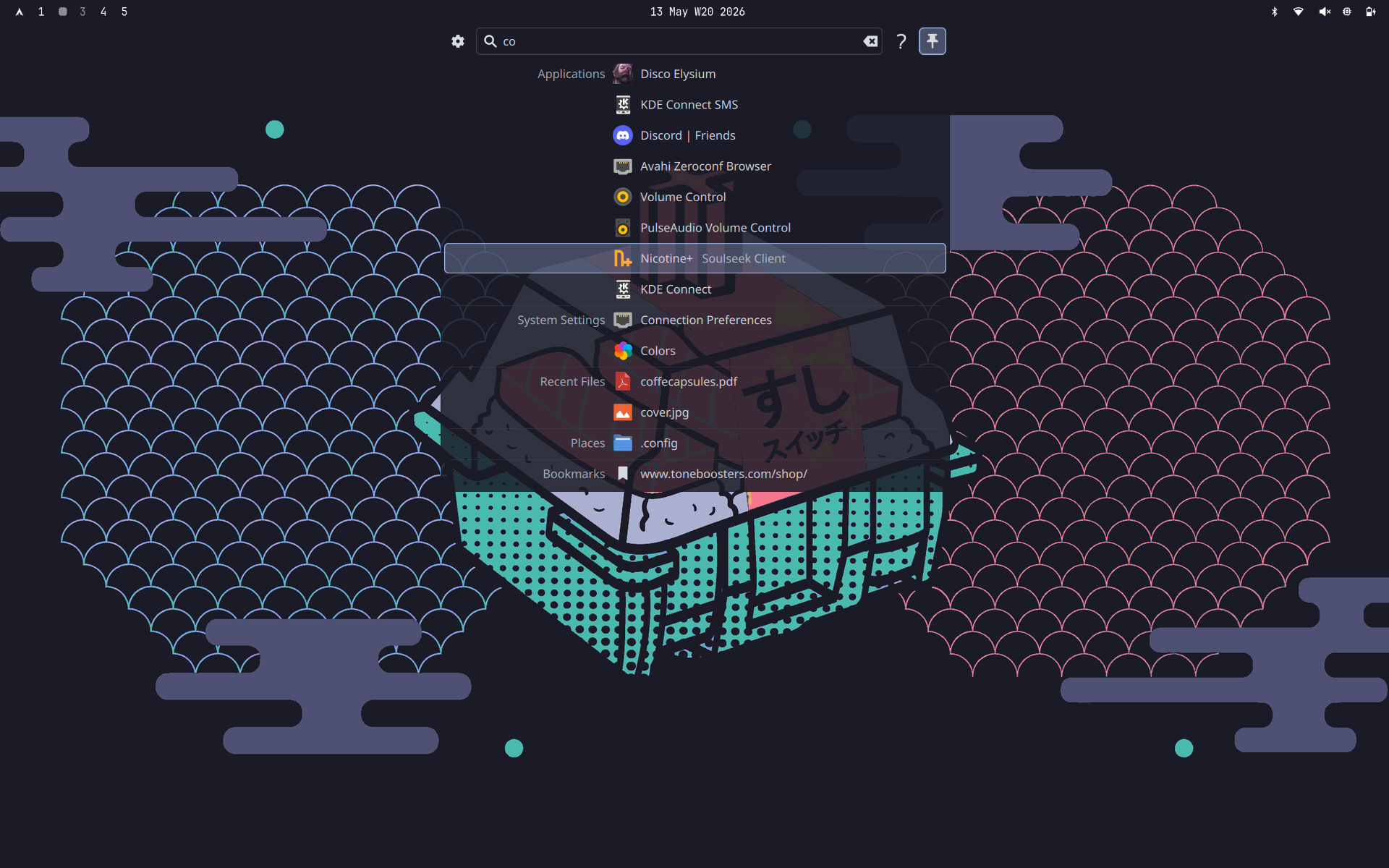
The blasphemy: KRunner in Hyprland
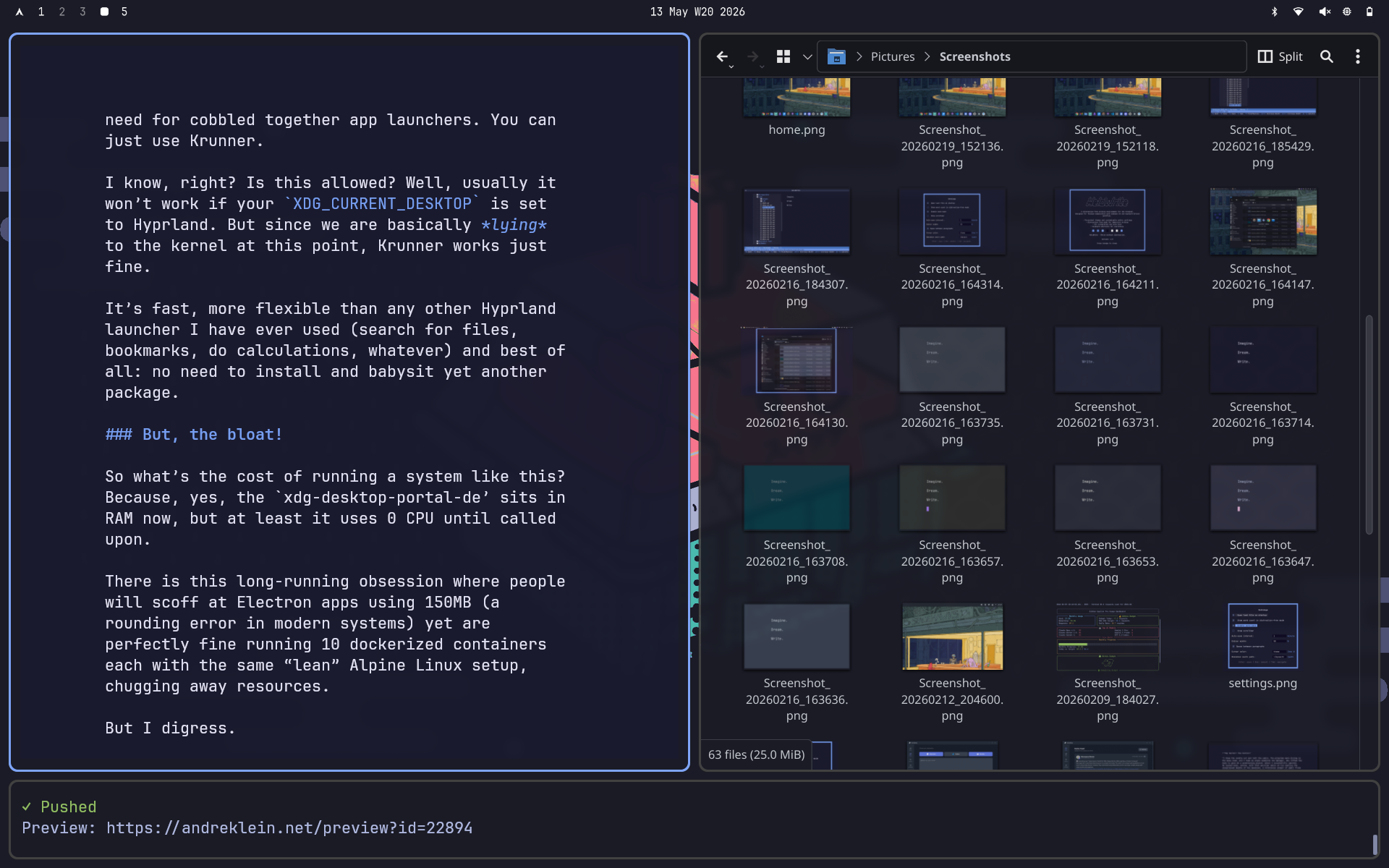
HeloWrite and Dolphin and pushing markdown to blog
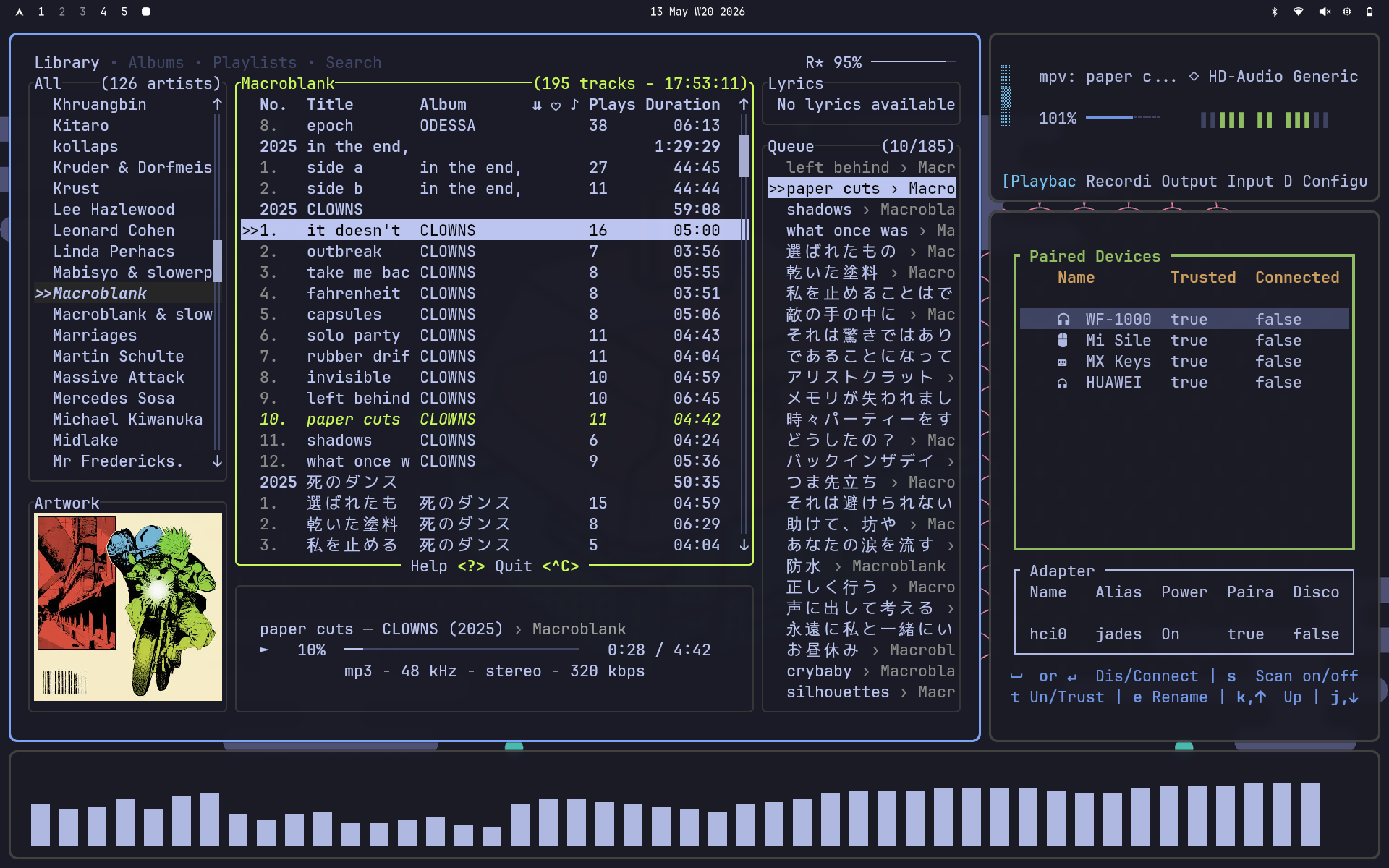
just some audio TUI goodness
Now I can go from the above workflow to the below and back, by just switching the desktop session (note how the QT GUIs retain their styling):
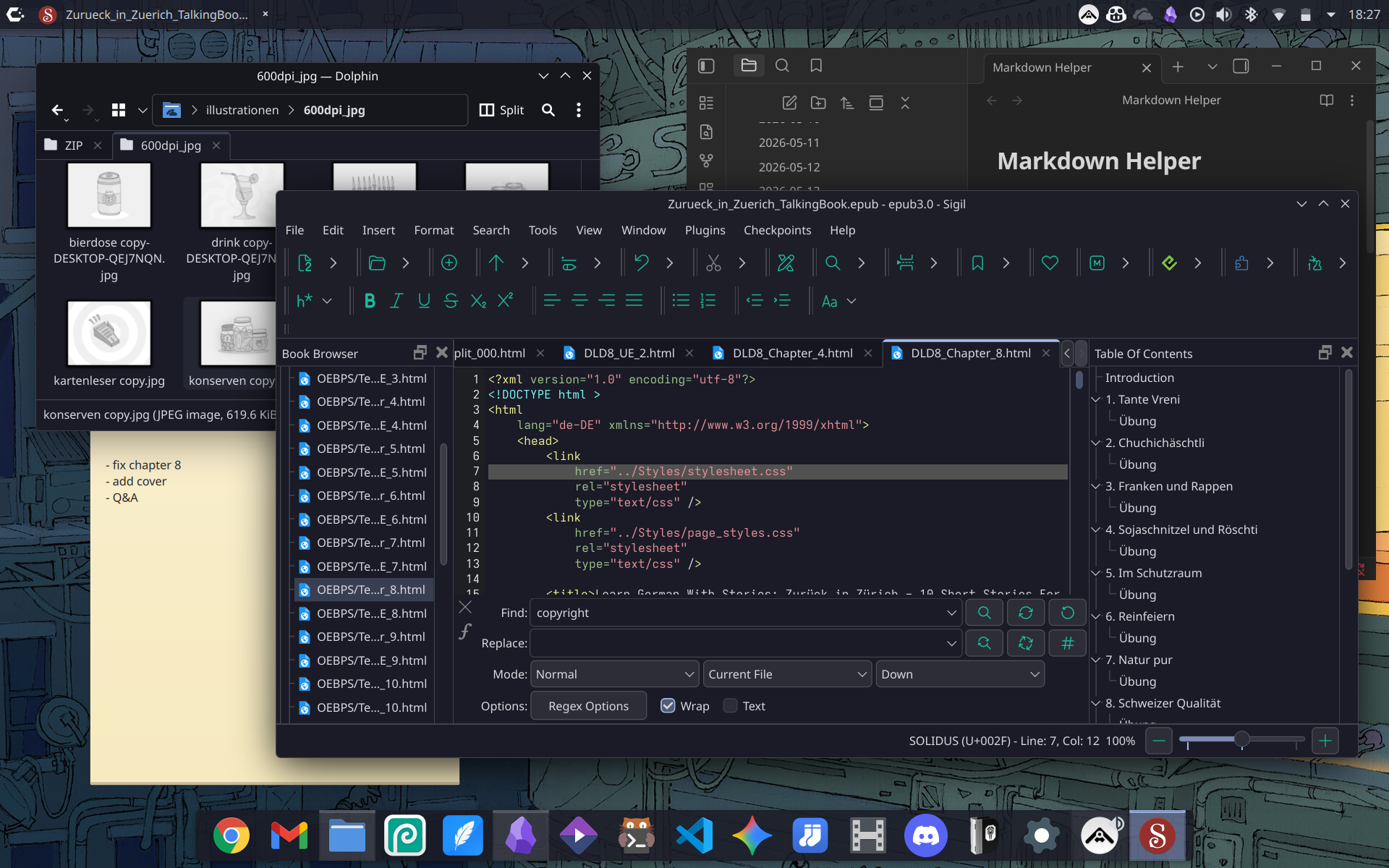
no actual EPUBS were harmed in the making of this screenshot
And yes, both workflows have their upsides and downsides. For office and publishing work I prefer the organized mess of floating windows, for dev stuff or raw writing, there’s nothing better than the Way of the Tile. Why limit yourself to one? Just switch depending on context. And the best part:
No config pollution (just a neat hypr folder in .config ripped straight from the Omarchy repo, plus a few waybar edits and fresh keybinds). And it didn’t even take an ungodly amount of packages:
hyprland waybar awww hyprlock
bluetui wiremix hyprpicker wlctl
wl-clipboard swayosd hyprshot
The Greybeards will not approve. But they never do. Switch sessions whenever you feel like it, fix Hyprland when it inevitably breaks, and go back to clicking things with a mouse without shame. The rice will still be there when you need it.
–
P.S: By masquerading as “KDE”, Hyprland will complain on launch that “Your XDG_CURRENT_DESKTOP environment seems to be managed externally. This might cause issues unless it’s intentional.”
Since this is definitely intentional you can bypass that warning by dropping this into your hyprland.conf:
misc {

disable_xdg_env_checks = true

}
P.P.S: Of course I also had to implement the screensaver in true Fauxmarchy fashion. Just tte and a text file: