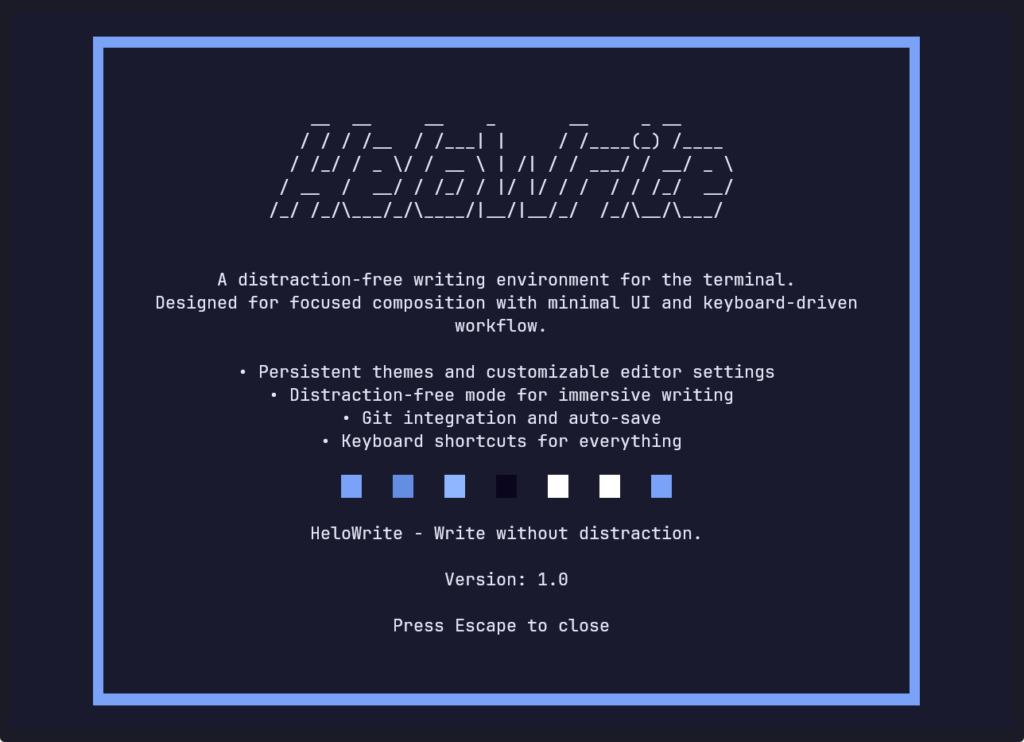
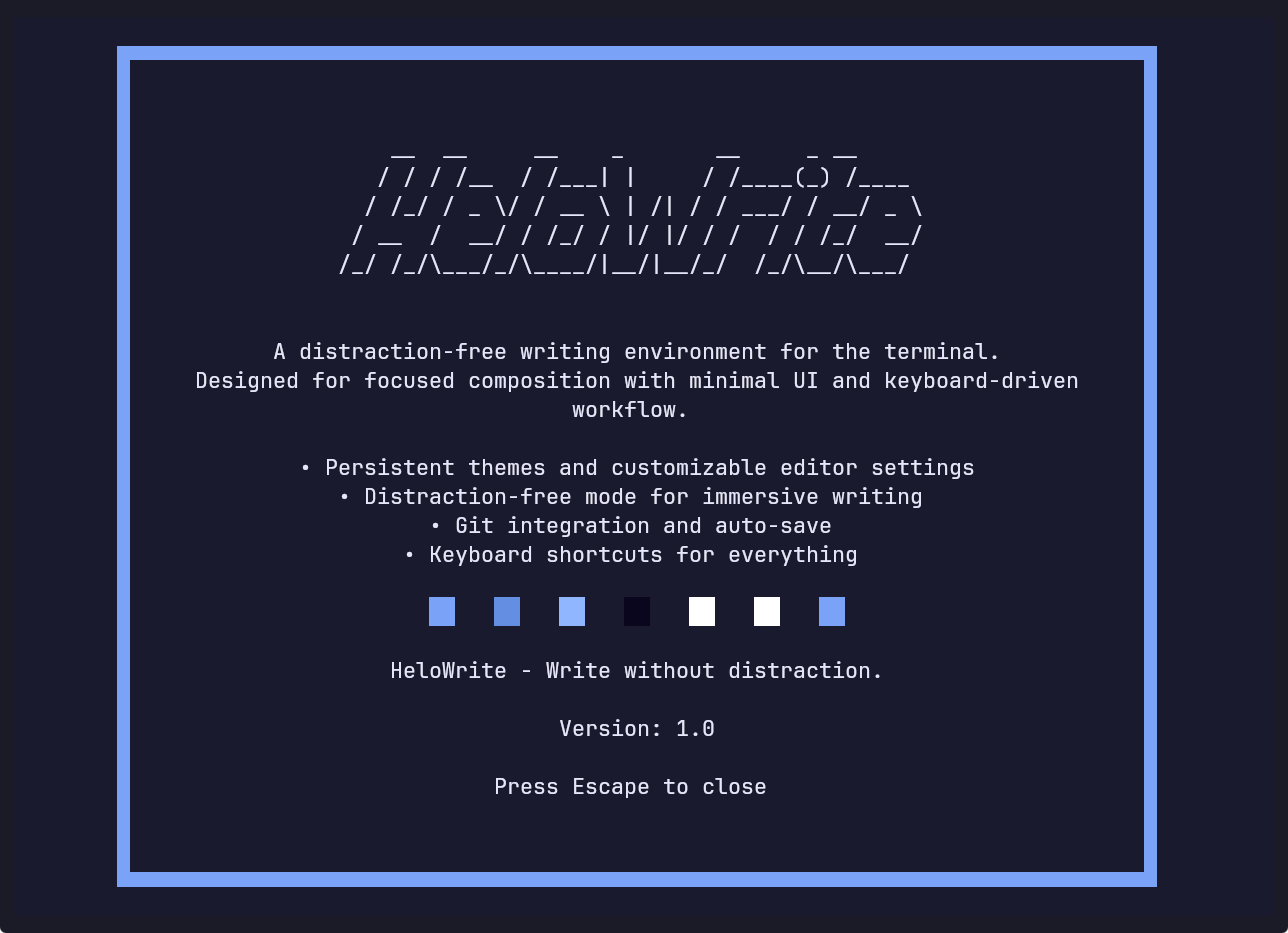
[drop_cap]W[/drop_cap]riting is hard. It’s messy, unresolved, chaotic. You scrape scenes out of your skull and massage syntactical turds until they shine (or get thrown out in the next rewrite).
Code is different. Something either works or it doesn’t. Problems usually have clear paths to solutions.
Prose has no linter. You can’t pre-compile a plot-twist to catch continuity leaks.
So this week, after making solid progress with my new book, I “relaxed” by building a writing tool in my spare time. The irony isn’t lost on me.
The Calm of The Void
Staring at a white page sucks. First step? Make it not white. Stop shining a flashlight into your retinas while trying to uncork the unconscious. Next, ditch the Microsoft kitchen-sink ribbons of colorful icons and formatting gizmos. Stop pretending you are a typesetter and fiddling with font sizes instead of dredging up dirt on your characters.
In short, remove everything else except the words.
I’ve always been a huge fan of this type of minimalist approach.
The less I see, the better. For years I’ve bounced between minimalist word processors: WriteMonkey, iAwriter, FocusWriter—always configured the same way: dark background, generous horizontal padding to spare my eyes the long left-to-right trek, a clean mono/duospace font, and a subtle word counter tucked in a corner that only shows when idle.
Notifications off, music on, deep dive. That’s the only way to play this game.
This weekend I thought: why not follow this minimalist approach, but strip it down even further, in the shape of a terminal-based tool. TUIs (terminal user interfaces) are all the rage these days (think ClaudeCode, OpenCode, etc.) and I admit—it’s fun in a deliberately discordant way!
No graphics. No animations. No gamification or “engagement” loops. Just the brutal, high-contrast reality of text.
I built HeloWrite in Python with the Textual library (great starter). Here’s a screenshot of the distraction-free mode, and yes, there ain’t much to see, which is precisely the point:
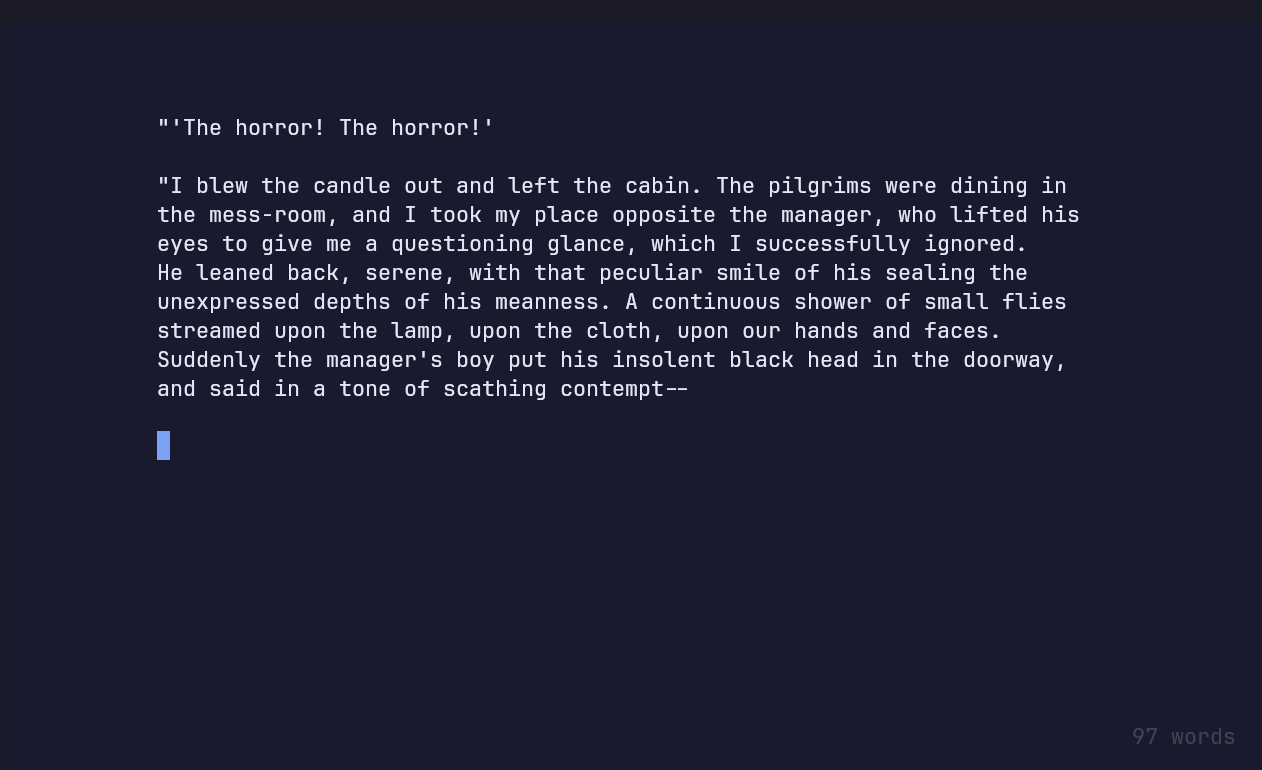
No formatting tools. No markdown previews. Just words.
The Secret Sauce: Performance & Paranoia
I realized halfway through Sunday that I wasn’t just building this for the “aesthetic.” I was building it because I’m tired of waiting for my tools to catch up to my brain. Many modern writing apps are resource hogs. They have “loading” states awkwardly disguised by splash screens. They index. They bloat.
HeloWrite has a cold start so fast it feels like it was never closed. We’re talking 0.5 seconds from hitting Enter to a blinking cursor. And that’s running from source—no pre-compiled binaries, no bloat, just raw Python and the void.
And then there’s the Git workflow. You can set your Obsidian vault dir (or any repo for that matter) in the settings and git to your heart’s content. Push and pull individual files or chapters as you work on them and get version control for your writing. Never lose a line again. Send it all to the vault, while you write.
Don’t use git? No problem. Auto-save is built in as well. But if you are a writer (or a developer), you’ll probably spam Ctrl+S anyway. Just in case, right?
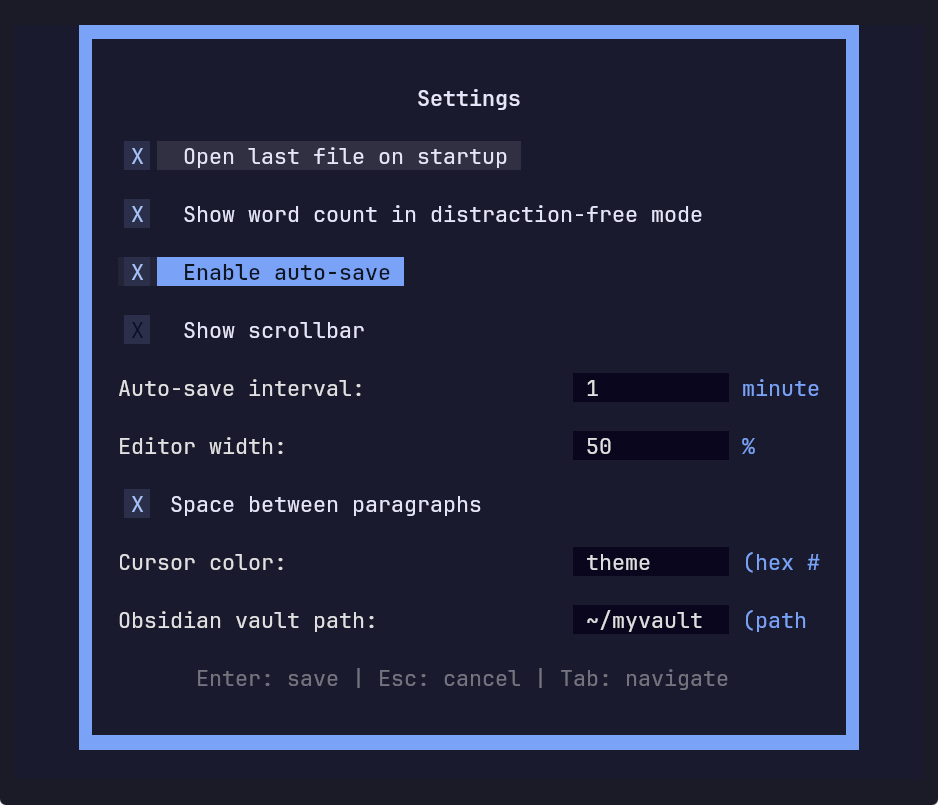
the settings screen (F3)
Code and Corkboards
There are tons of amazing code editors out there. Vim fanatics can rice their configs until the heat death of the universe. Emacs people have basically built an operating system. Developers are spoiled for choice when it comes to terminal-based workflows.
Writers? Not so much.
We get word processors designed by committee, skeuomorphic corkboards, or minimalist apps that cost $50, do less than Notepad and still somehow end up feeling heavy.
I wanted something different. Something that understood the writer’s brain, but had the heart of a code editor.
I’ve tried other terminal-based word processors like WordGrinder, and while I loved the concept, the workflow never quite seemed clicked with me. So I just built my own, tuned exactly to the quirks of a lifetime of writing.
Begin Jump Prep
HeloWrite, pronounced “hee-lo” and named after Karl “Helo” Agathon from Battlestar Galactica, is completely free open-source software. It includes:
- Fully distraction-free mode with an out-of-the-way word counter
- On the fly adjustable horizontal padding to cut eye strain
- Many popular custom color themes including cursor styling
- Granular git push and pull commands
“I fell in love with a machine. That’s stupid. So just call me an idiot, and let’s be done with it.” — Karl Agathon

Clone, fork or hack here: burninc0de/helowrite
–